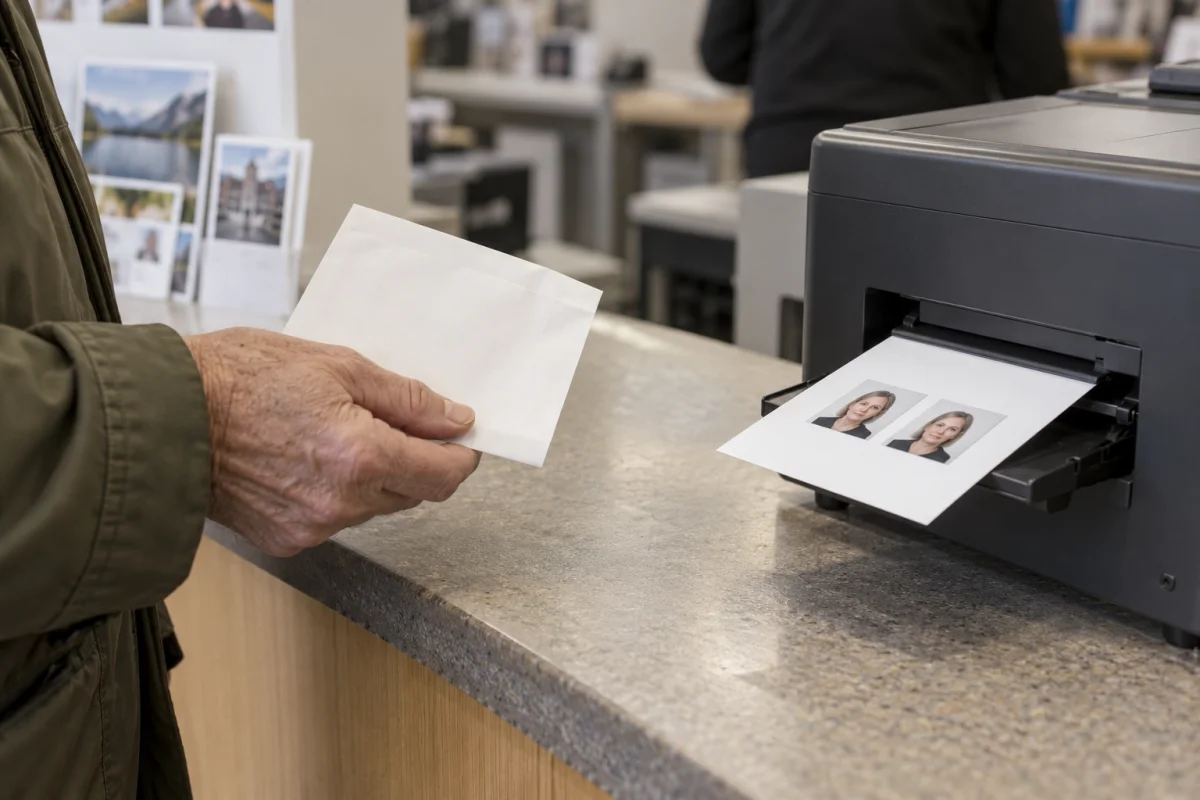
Four ways to get your photo printed.
If you already have a complete 4×6 sheet, look for a standard 4×6 photo-print product. A retailer’s passport-photo service is a separate offering that may include taking and preparing the photo. Do not assume a standard print order includes those checks or cutting.
| Option | What you can print |
|---|---|
 | Standard photo print. Check store pickup. |
 | Photo print with pickup or delivery options. |
 | Photo print. Check your local pickup estimate. |
| Independent photo lab | Ask the lab to print your prepared JPEG at 4×6. |
These are links to providers’ published services, not endorsements or confirmation that every store accepts every prepared sheet. Prices and local availability can change. We have not tested each retailer or machine.
FIND YOUR PRINTING OPTION
A good print starts
with the right provider.
Start with your state, then compare printing options. Open a location search or use a provider’s store finder to check the branch that works for you.
US Print Finder
Find a printing option that works for you.
Choose a state to get location-search links. Confirm photo services with the store; these are not verified branch listings.
A familiar pickup option
CVS Photo
Standard 4×6 photo prints. Check the chosen store and collection estimate before paying.
Review the complete-sheet preview and confirm that no edges are cropped. Ask whether staff can print your prepared sheet at its original proportions.
Pickup or delivery
Walgreens Photo
4×6 prints with same-day pickup options and shipping. Timing depends on the product and location.
Choose standard prints for a prepared sheet. Check enhancement and cropping controls, then wait for the ready-to-collect notification.
Check local photo pickup
Walmart Photo
4×6 prints, with one-hour pickup advertised at many locations. Your checkout estimate is the one to use.
Select the full 4×6 file, inspect the crop preview, and confirm the participating photo location before making the trip.
Ask for a checked first print
Independent photo labs
An option for discussing paper, exact sizing, and print quality directly with a local specialist. Services vary by lab.
Ask whether they accept a prepared JPEG, can avoid resizing and automatic retouching, and can help measure the first print.
No matching options.
Try a provider name or a broader service, or reset the filters.
Provider information reviewed October 7, 2026. Independent guidance; no affiliation with these providers. Confirm pricing, availability, and prepared-sheet acceptance directly. Independent labs are a search route, not individually verified listings.
Choose by control, not just convenience.
Check local pickup first.
Enter your store or location on the provider’s site before assuming same-day service. Wait for the order-ready message before travelling; a general advertised turnaround is not a promise for your order.
Ask a photo lab or counter.
Explain that the image is already a complete 4×6 sheet. Ask whether they can preserve the whole sheet and avoid automatic enlargement. Staff assistance varies.
If you cannot inspect the crop preview or control scaling, consider another provider. A low price does not help if the two-inch photos are enlarged or trimmed. Keep the original downloaded file so you can retry without rebuilding the sheet.
What to send and what to ask for.
Download the sheet JPEG.
Use FormFitPhoto’s kiosk sheet, not the single square photo. The sheet already includes the layout. The PDF is the alternative for home printers or services that explicitly accept it.
Order one landscape 4×6 photo print.
Check that the entire sheet is visible. Avoid a collage, wallet-photo template, or another layout that rearranges your file.
Review adjustments before checkout.
Look for automatic enhancement and cropping controls. Do not digitally change your face or replace the background. If a setting is unclear, ask the provider before committing to the order.
A useful question at the counter is: “This is already a complete 4×6 sheet. Can you print the whole file at that size without cropping or enlarging it?” That describes the task more clearly than asking someone to turn a square photo into a passport photo.
Check it before you cut it.
Measure both sides of each photo on the physical print. They should be two inches square. Check sharpness, color, streaks, and visible damage in good light. Keep the sheet intact until you are satisfied with the print.
If the dimensions are wrong, show the provider the complete file and the result. Review the crop and scaling settings before ordering again. Our printing troubleshooting table explains the common symptoms.
Can I print at home instead?
Yes, if your printer can produce a sharp photo-quality result at the correct size. Use the PDF, suitable photo paper, and actual-size printing. Make one test print and measure it. Follow the complete 4×6 printing guide.
Will the store guarantee acceptance?
Do not assume that a standard photo-print order includes passport compliance checks. The issuing authority makes the acceptance decision. Review the official photo requirements as well as the finished dimensions.
By FormFitPhoto · Reviewed October 7, 2026. Independent guidance, not government approval. How we write and check our guides.